



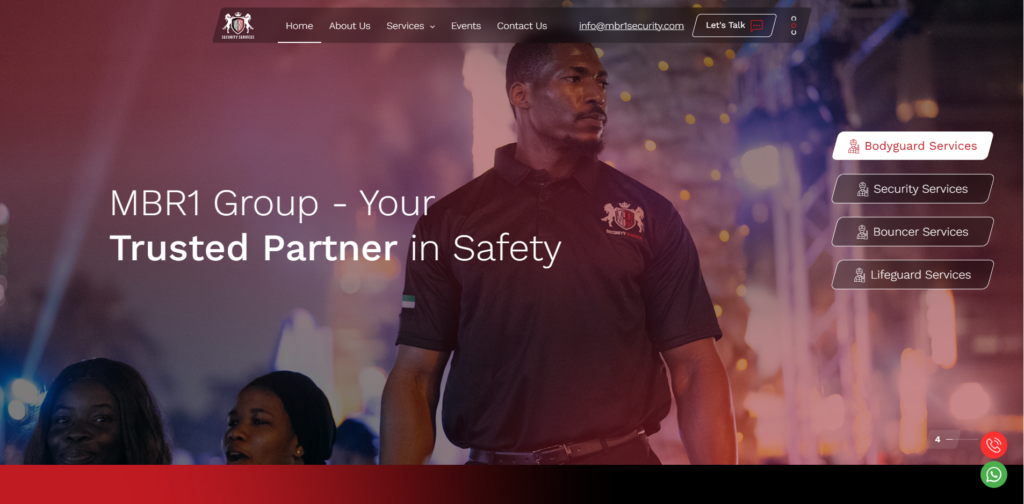
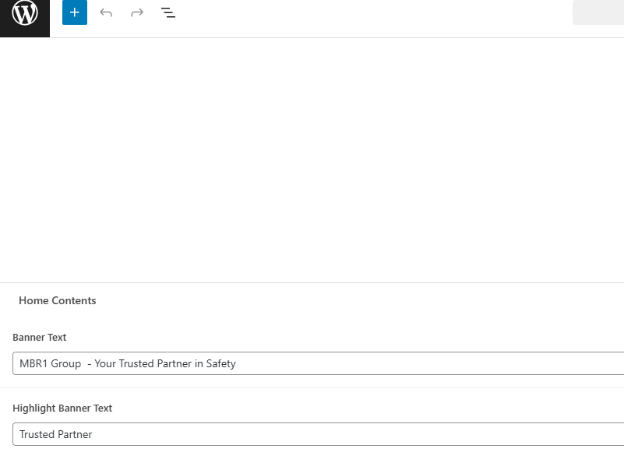
You can manage Banner main text here Home edit page through admin panel .See screenshot below
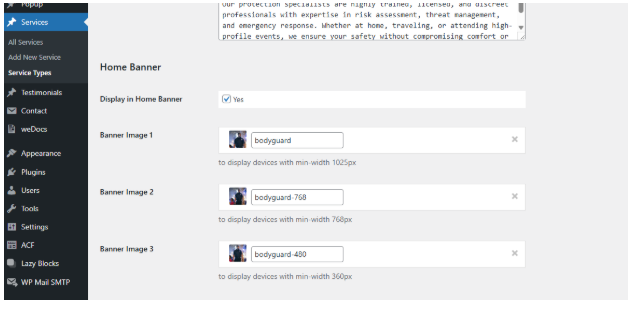
Rightside content and banner images are from Service type , you can assign service to show on the home page, and also can add/edit banner images. See screenshot below .
Trusted Section
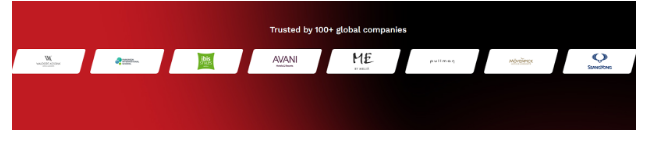
Here you can edit heading at the backed of Page->home page
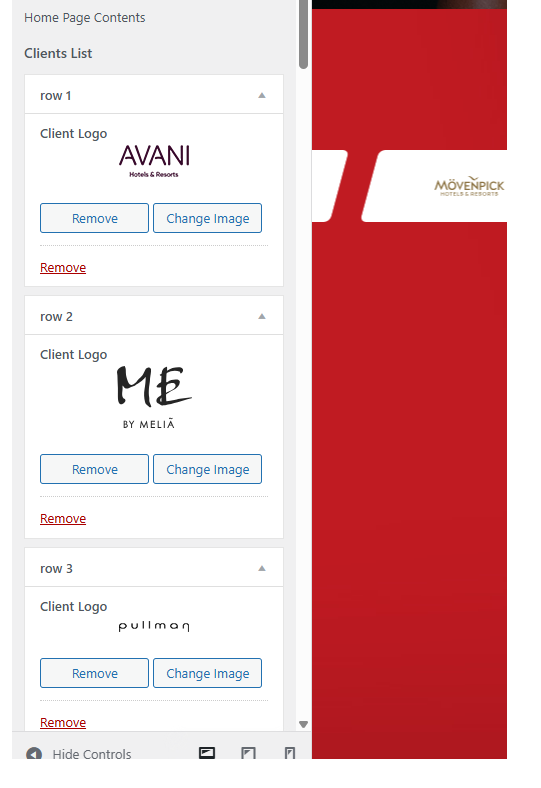
You can manage logos under Appearance -> customize ->MRB theme options -> Home page content
Video Section
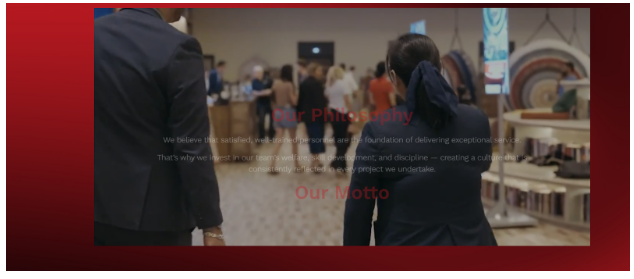
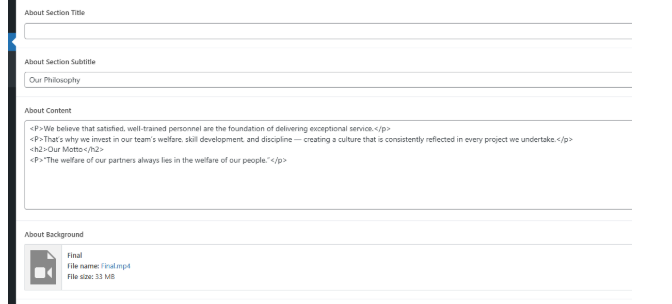
You can manage Video and it’s content at the backend of Page->Home page
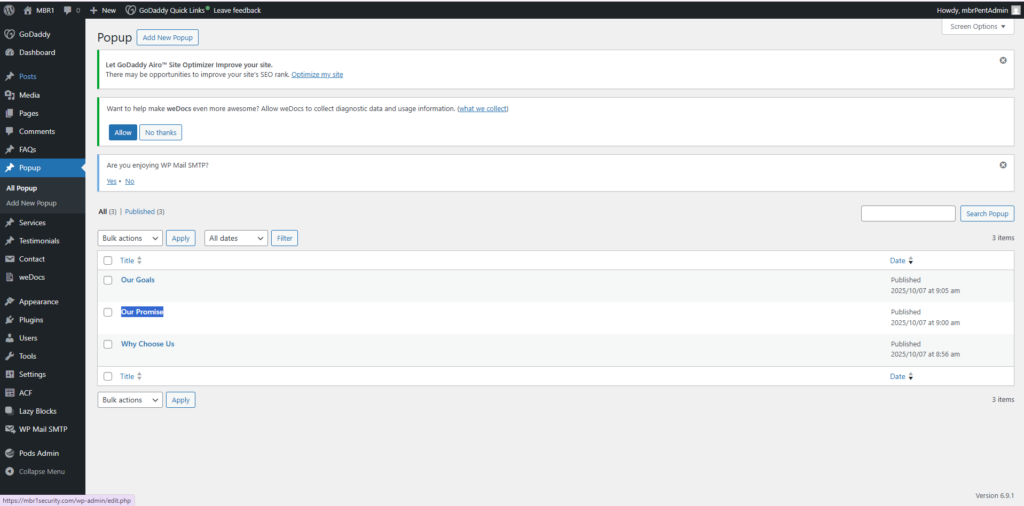
After the content we have three popup why choose, Our promise, Our golas etc.. are come from pop up post in the admin panel
Vision, mission & Purpose
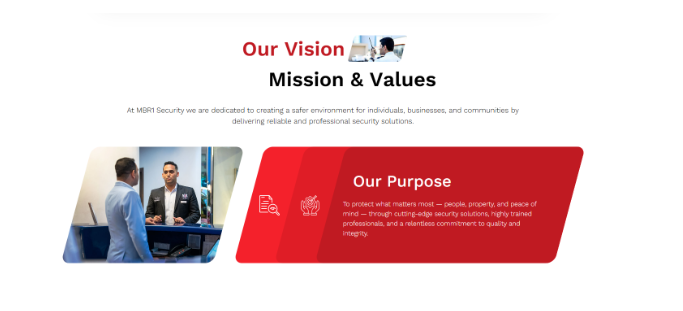
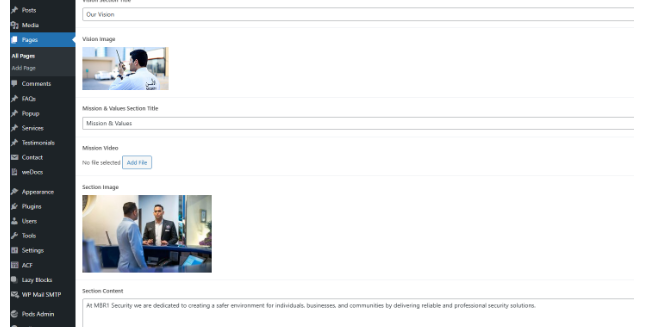
You can manage above section image, content and icons are at the home page itself
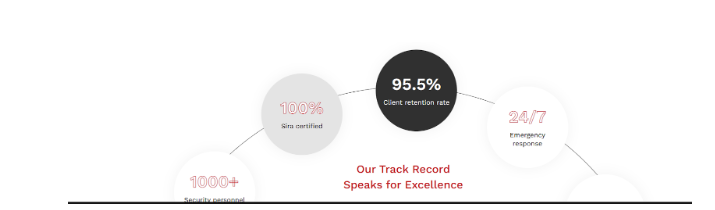
Our Track Record Section
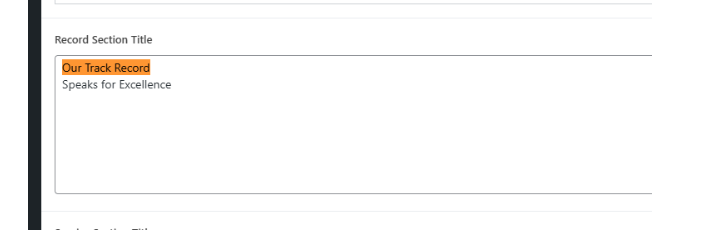
You can change the heading at the backend of Page- >home page
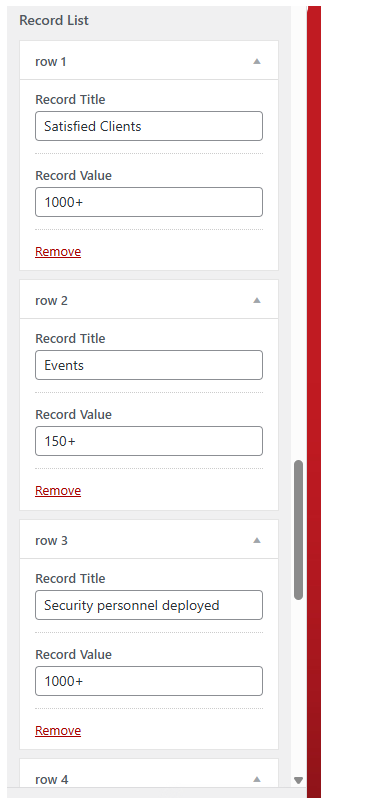
To edit each item within the circle, please navigate to appearance ->customize->MBR theme options -> Home page content, You can see the record list. See below, just click on publish after editing the content here
What we do section
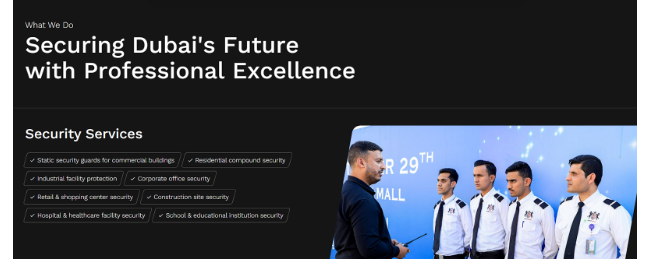
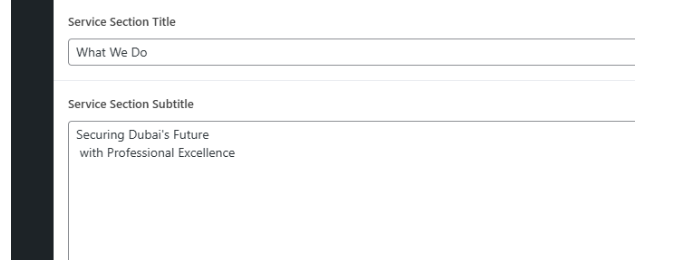
You can edit the subtitle & main heading at the backend of the Page->home page
Then listing all the service type & it’s services from the backend
Events
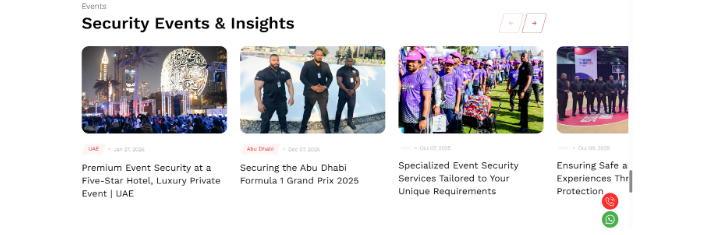
You can edit main heading at the backend of home page
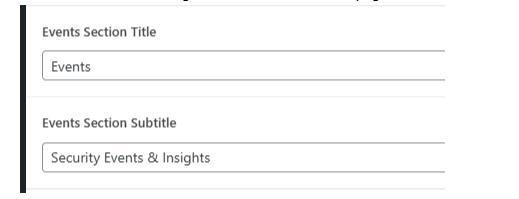
Then listing events category posts from the backend
FAQ
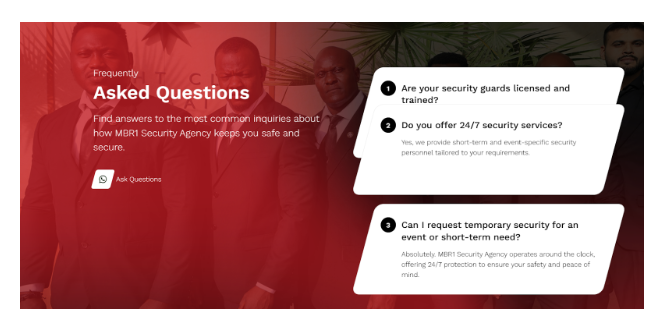
Here you can manage left side content under Appearance -> customize ->Common content
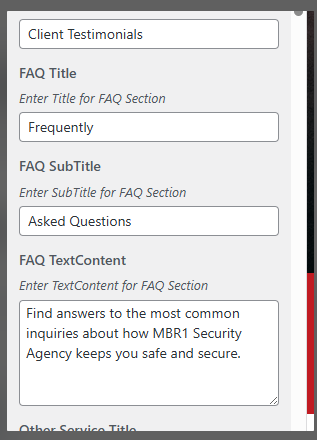
Right section in the FAQ are come from the FAQ in the admin panel.


